
Coal Mining - Screenshots
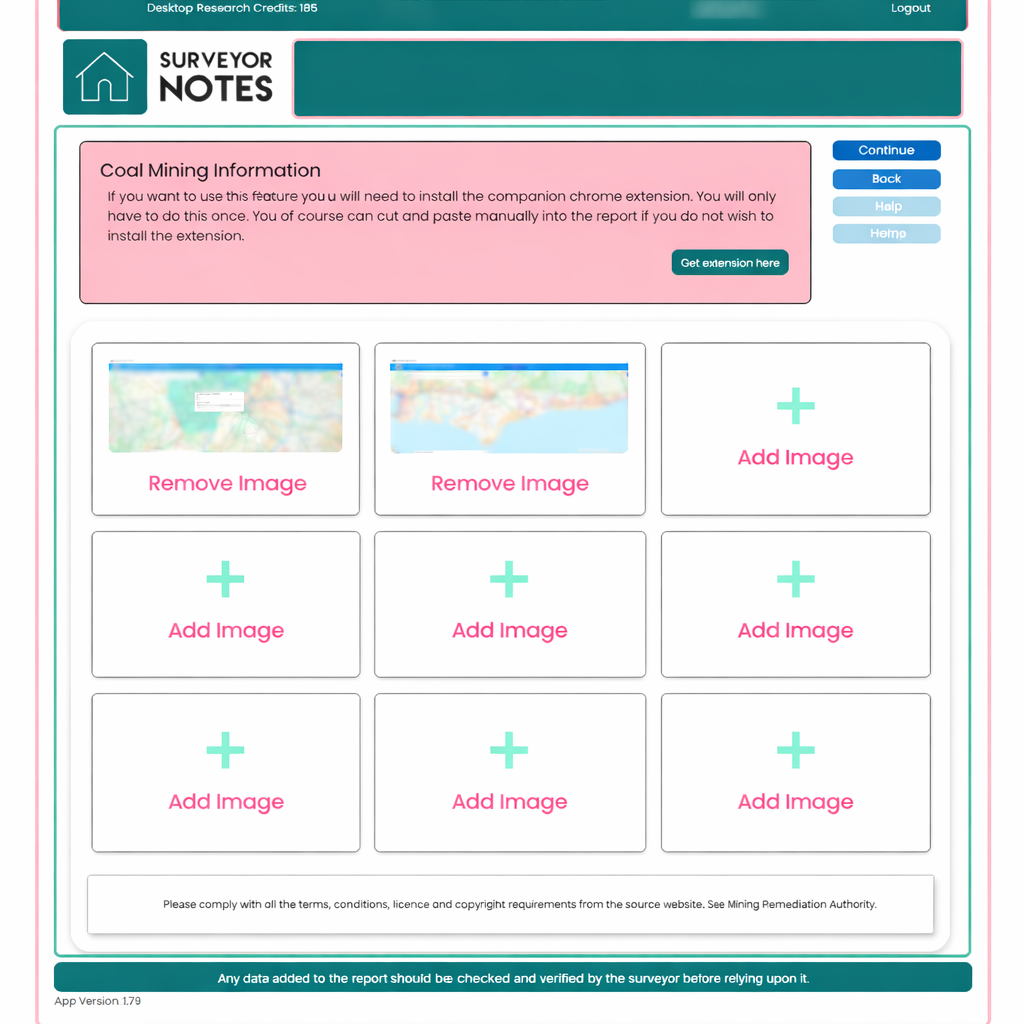
This screen is used to collect and store visual evidence relating to coal mining risk for the subject property. It is the dedicated capture page for screenshots taken from external mapping and data sources.
Purpose of this screen
The primary purpose of this screen is to gather supporting screenshots using the Surveyor Notes companion Chrome extension. These screenshots provide visual context that supports your professional judgement and can later be referenced when adding commentary to the report.
You only need to install the Chrome extension once. If you prefer not to use the extension, screenshots can also be added manually in the report itself.
How to use this screen
-
Open the relevant coal mining or environmental mapping source in your browser.
-
Use the Surveyor Notes Chrome extension to capture screenshots.
-
Captured images will appear automatically in the image slots on this screen.
-
You may store up to nine screenshots for this section.
-
Individual images can be removed and replaced at any time.
Each image slot represents a separate piece of visual evidence. You are free to capture different zoom levels, map layers, or supporting views as required.
Important notes
-
This screen is image-only by design.
-
No written commentary is added at this stage.
-
The screenshots saved here are retained and carried forward through the workflow.
-
This screen can be used entirely on its own if you only wish to store evidence.
Adding professional interpretation later
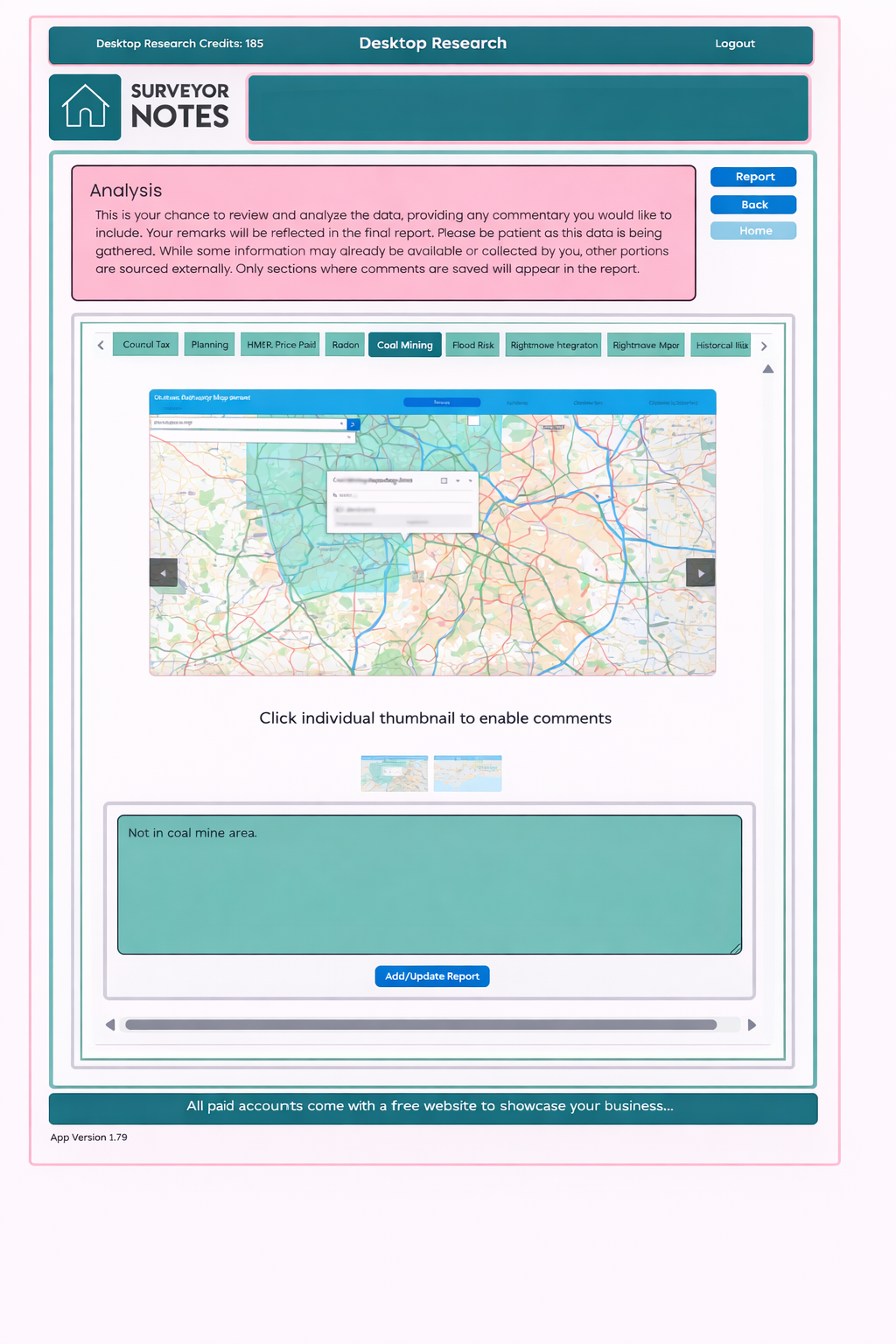
In later screens within the Desktop Research flow, you will be given the opportunity to review these screenshots and add professional commentary.
When you add a comment:
-
Your interpretation will be included in the final report.
-
Only sections where commentary has been saved will appear in the generated report.
-
The responsibility for professional judgement always remains with the surveyor.
This separation between evidence capture and professional interpretation ensures a clear, auditable workflow that reflects best practice.
Compliance reminder
Please ensure you comply with all terms, conditions, licensing, and copyright requirements of the source websites used. Surveyor Notes stores screenshots as supporting evidence only and does not replace original data sources.