
Report – Generate, Review and Edit
This screen is where your Desktop Research report is generated and finalised. The report is created automatically based on the data you have collected and the commentary you have chosen to include during the Analysis stage.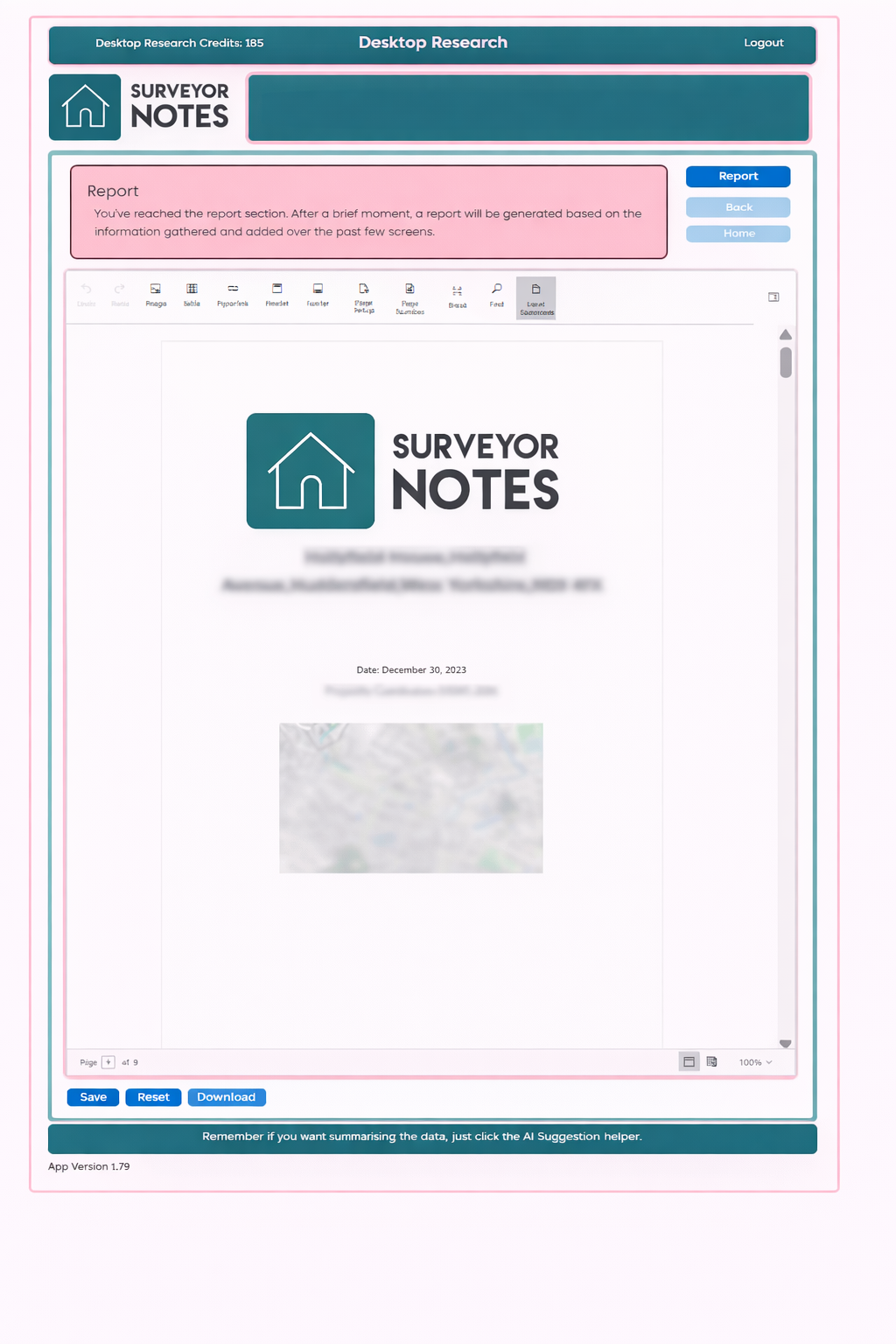
Purpose of this screen
The Report screen allows you to:
-
generate a structured Desktop Research report,
-
review the compiled content in an online word processor,
-
make final edits before saving or downloading.
Only sections where commentary has been added and saved will appear in the report.
Automatic report generation
When you reach this screen, Surveyor Notes:
-
compiles all selected data sources,
-
inserts your saved commentary,
-
formats the content into a professional report layout.
This process may take a short moment depending on the amount of data included.
Editing the report
You can edit the report directly using the built-in online word processor. This allows you to:
-
refine wording,
-
add clarifications,
-
adjust structure or presentation,
-
include additional professional commentary.
This flexibility is provided to support your individual reporting style and requirements.
Important: report synchronisation
Once you manually edit the report, it will no longer remain fully synchronised with the underlying data collected in earlier screens.
This means:
-
subsequent changes to data or commentary elsewhere in the system will not automatically update the report,
-
the report effectively becomes a manually edited document from that point onward.
Resetting the report
If you need to restore synchronisation:
-
click Reset to regenerate the report from the latest collected data and saved commentary.
⚠ Important:
Resetting the report will discard all manual edits made in the word processor.
Use Reset only if you are happy to lose manual changes and regenerate the report from source data.
Saving and downloading
From this screen you can:
-
Save the report to your property file,
-
Download the report for offline use
It is recommended that you review the report carefully before final download.
Professional responsibility
Surveyor Notes assists with compiling and structuring information, but:
-
final content selection,
-
manual edits,
-
and responsibility for conclusions
remain entirely with the surveyor.
Under no circumstances should this report be distributed to third parties.