
Rightmove – Screenshots & Description
This section allows you to capture supporting imagery from the Rightmove property listing and review a summarised version of the estate agent’s description. Together, these provide useful background information about the property as marketed, helping to inform your professional assessment.
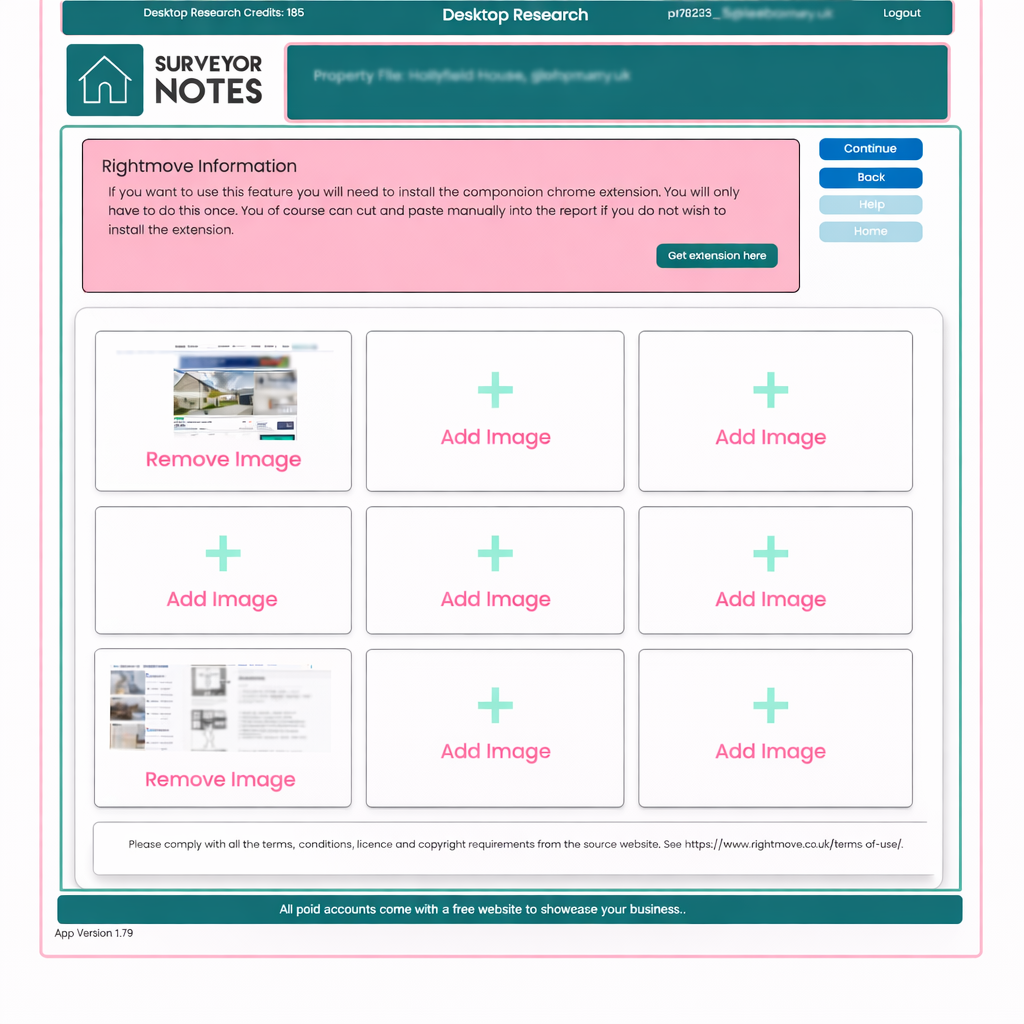
Purpose of this section
The Rightmove section serves two related purposes:
-
Evidence capture – storing screenshots from the Rightmove listing, such as photographs, floor plans, and listing details.
-
Description review – presenting a structured summary of the estate agent’s description for reference and analysis.
Screenshots are captured using the Surveyor Notes companion Chrome extension, which only needs to be installed once.
If you prefer not to use the extension, relevant information can instead be manually added later in the report.
Capturing Rightmove screenshots
-
Open the property listing on Rightmove in your browser.
-
Use the Surveyor Notes Chrome extension to capture screenshots.
-
Captured images will automatically populate the image slots on this screen.
-
You may store up to nine screenshots in the Rightmove section.
-
Images can be removed and replaced at any time.
Typical screenshots may include:
-
the main property listing page,
-
selected photographs,
-
floor plans,
-
or key listing details.
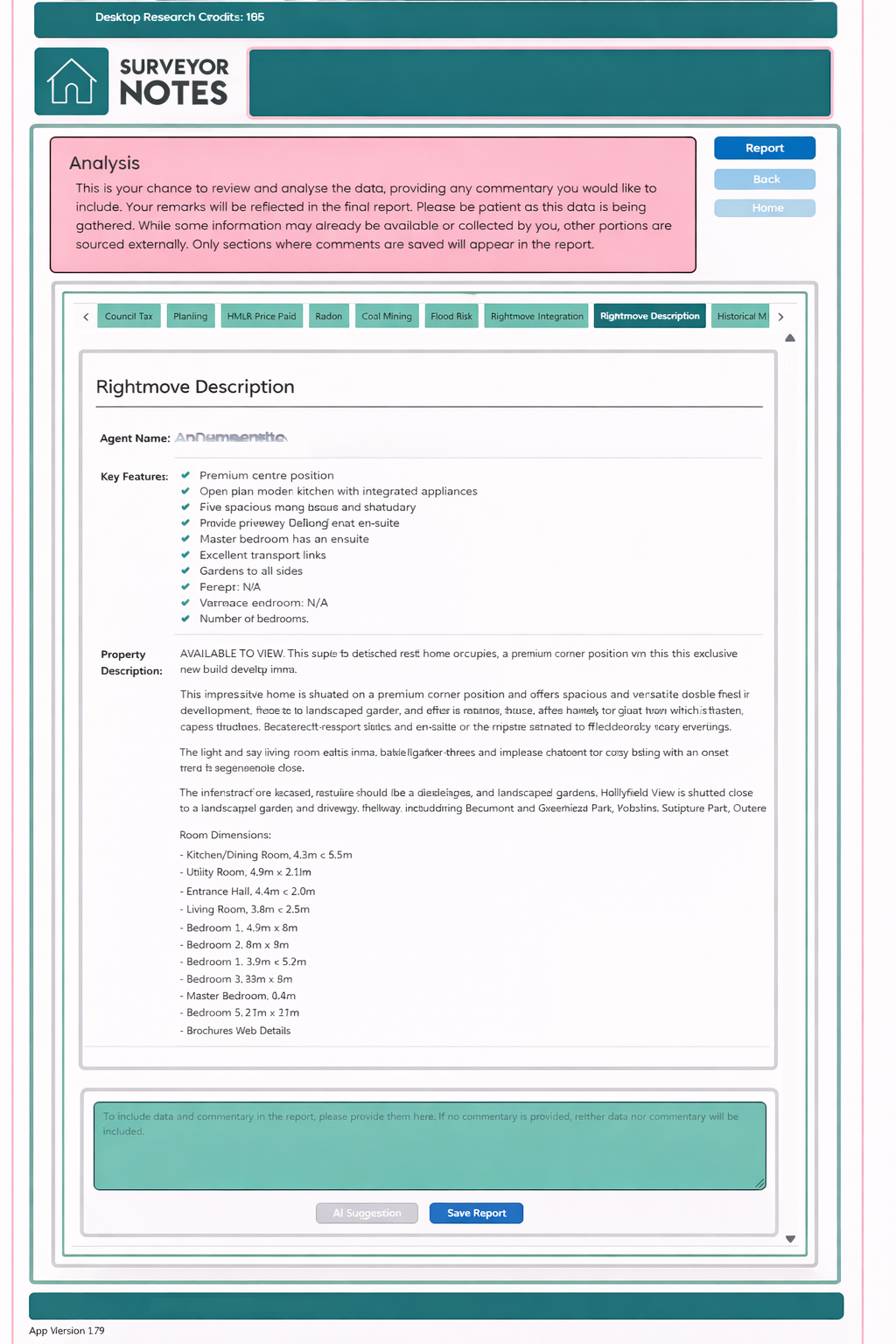
Estate agent description summary
The estate agent’s property description is automatically extracted and summarised to provide a clear, structured overview of how the property is being marketed.
This summary is intended to:
-
highlight key features and claims,
-
reduce lengthy or repetitive marketing language,
-
provide a concise reference point for your analysis.
The summary is informational only and should not be relied upon as a substitute for inspection or professional judgement.
Adding professional interpretation
In the Analysis stage of the Desktop Research workflow, you can add your own professional commentary in relation to both the screenshots and the summarised description.
When a comment is added:
-
your interpretation will be included in the final report,
-
only sections where commentary has been saved will appear in the report,
-
responsibility for interpretation and conclusions remains with the surveyor.
This ensures a clear distinction between marketing information and professional assessment.
Important notes
-
This section combines evidence capture and reference information.
-
No commentary is included in the report unless you explicitly add it.
-
Screenshots and summaries are retained throughout the research process.
Terms, conditions, and licensing
Please ensure you comply with all terms of use, licensing, and copyright requirements of Rightmove. Surveyor Notes stores screenshots and summaries as supporting reference material and does not replace original listings.